
In case you run into major problems with Windows it’s worth creating a recovery USB drive that at least lets you get up and running again.
You will need at least a 4GB USB stick which is empty.
IMPORTANT: This process does not backup any data files in any way! It is only a way to reinstall Windows 10.
Follow these steps to create the recovery media:
1. In the Type here to Search box, type 'create a recovery' which should find the following option that you need to select

2. You will then see the Recovery Drive creator with Back up system files to the recovery drive ticked, leave this ticked and select Next to continue

3. Plug in your empty USB Stick and then click on Next
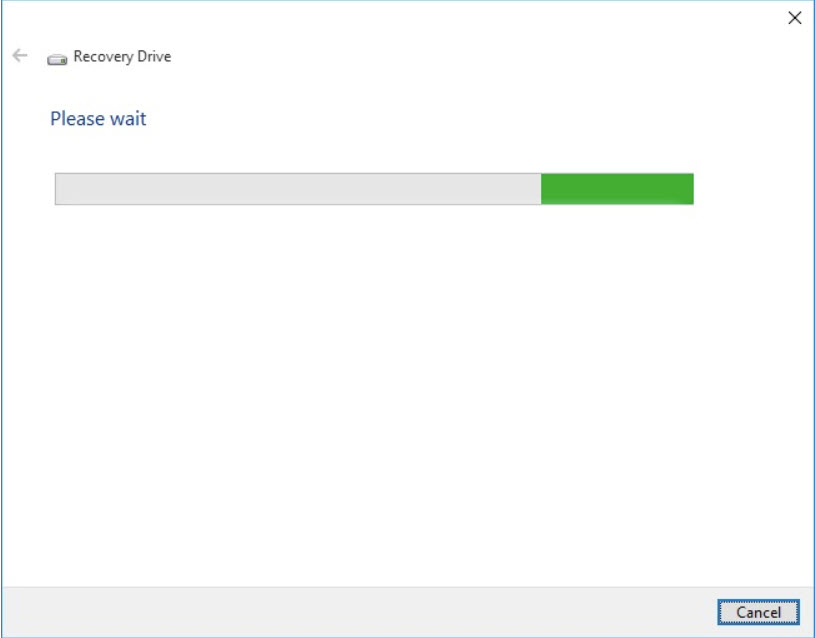
4. Then you are prompted to check that you have at least a 4GB USB flash drive connected, then click Next
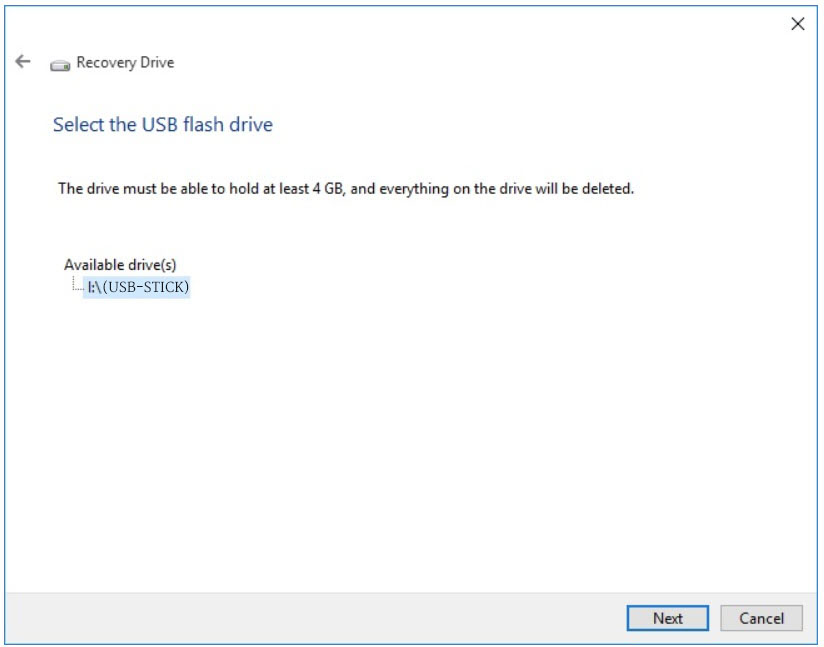
5. You are then advised that if there are any files on the USB flash drive, they will be deleted!
Click Create to continue

6. Next you will see the creating the recovery drive, which can take some time

7. Once this is complete, you will see the message ‘The recovery drive is ready’, select Finish to complete the process.

You now have a recovery USB drive that can fix your computer should something go wrong with Windows 10.
Comments
0 comments
Please sign in to leave a comment.